Why I Use Photoshop
I complete all of my “print making” using Adobe Photoshop exclusively for all of my photography editing after culling through all of the RAW images from a photo shoot. (I do not outsource any of my editing). This process takes much more time than using Adobe Lightroom, for example, which allows for batch processing, which is much quicker than working on one image at a time. However, Photoshop is the most powerful tool on the market to edit images, which is not only limited to editing photographs.
I use the Photoshop tools in the same manner as I would use in the darkroom. I make cropping adjustments; color balance adjustments; brightness and contrast adjustments; and, occasionally, I use the cloning tool to help make adjustments where needed. Otherwise, my images are straight out of the camera with minimal manipulation. It is important to note that the original image out of the camera must be of good quality. However, using this Photoshop process takes more time as I work individually on each image — one image at a time to perfect each image, similar to working on an individual image in the darkroom. However, these minimal adjustments can make dramatic differences in the final image. There is definitely an art to the editing process, which requires time, patience, a keen eye, and attention to detail.
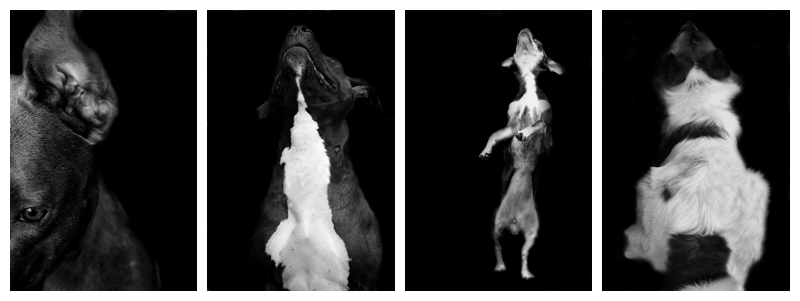
Below are some “before” and “after” images to give you an idea of the difference in the images after my editing process is completed.
Happy Tuesday!
Image – straight out of camera.
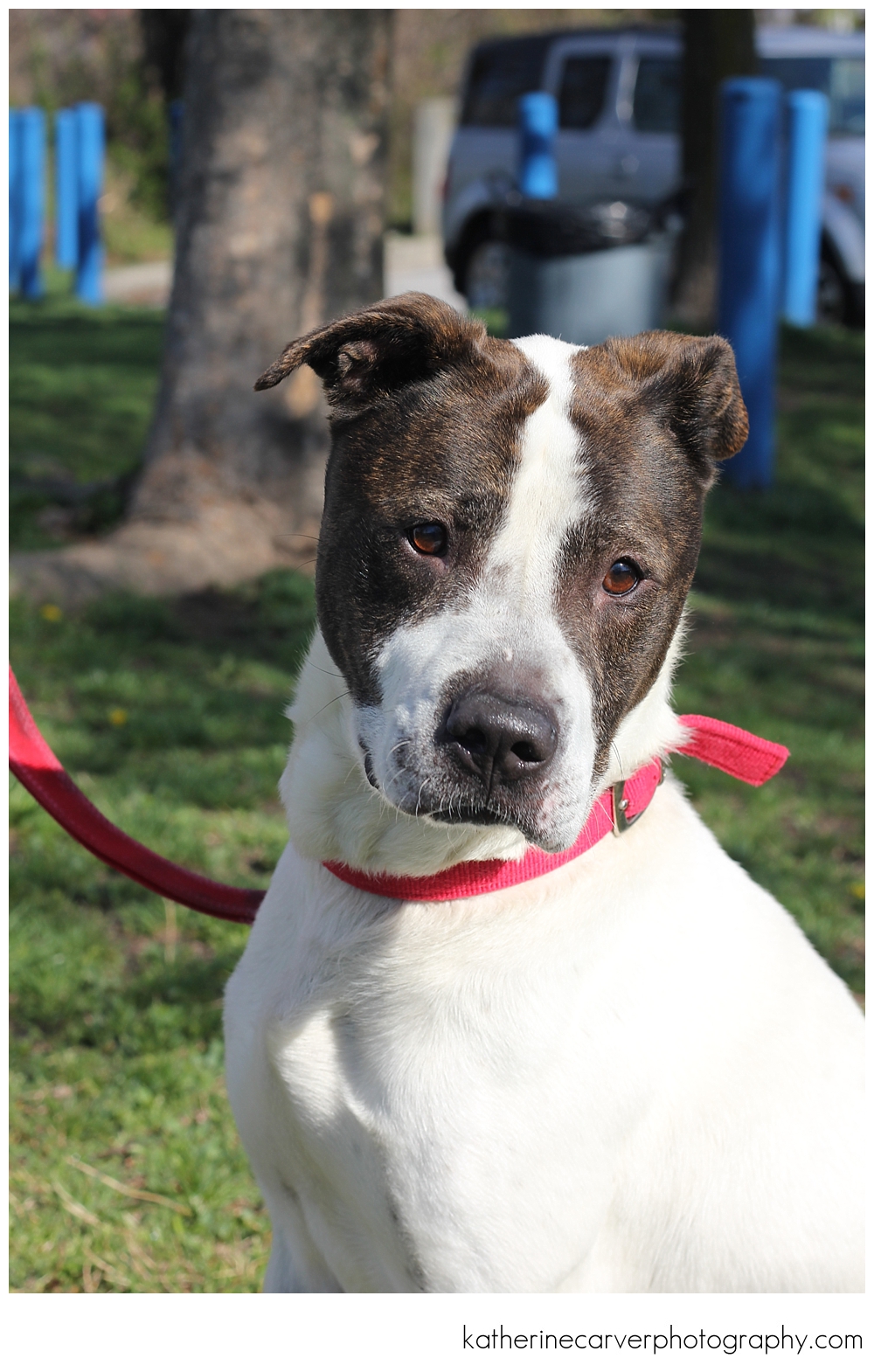
Image – after being edited in Photoshop.
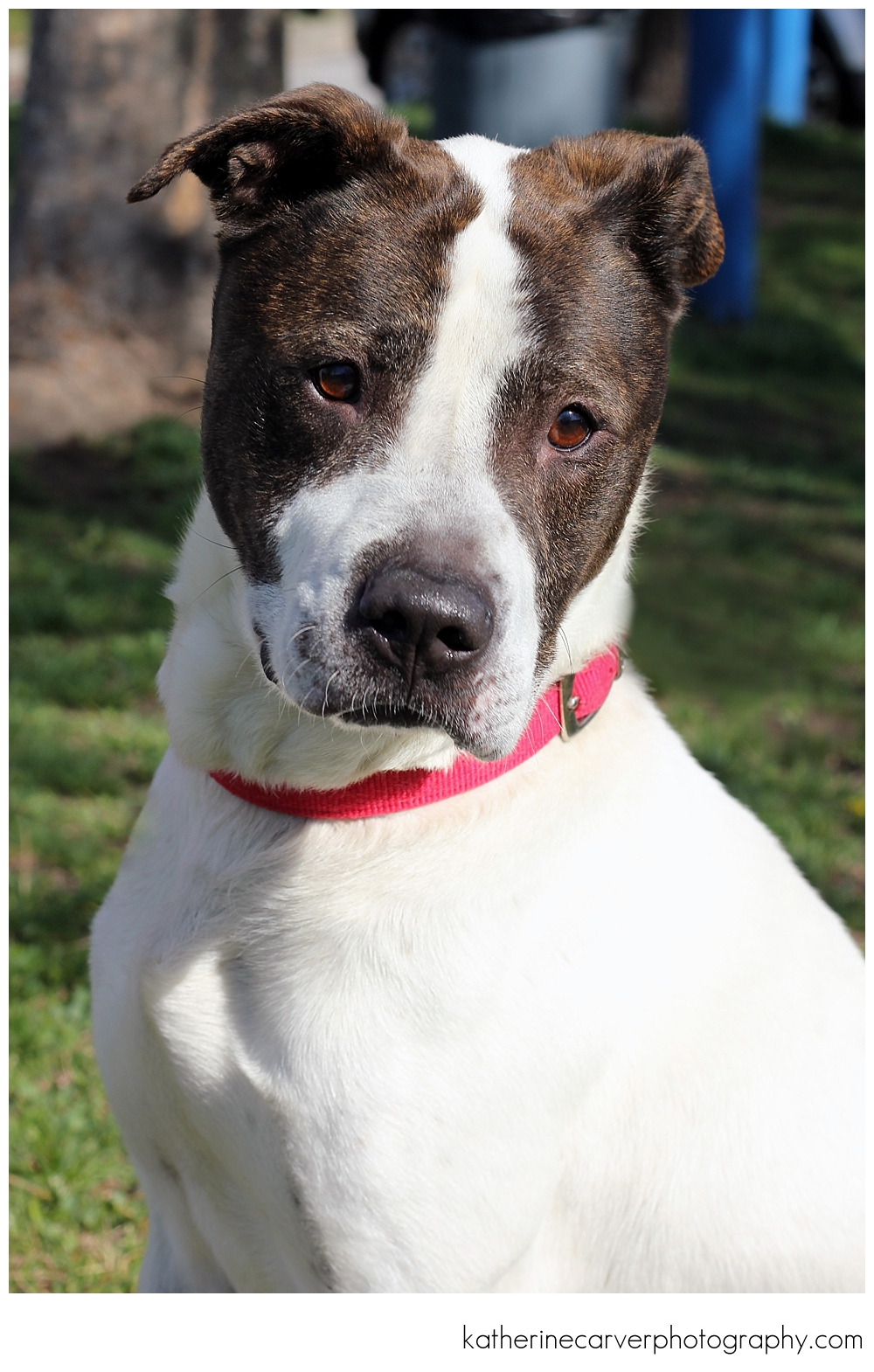
Image – straight out of camera.
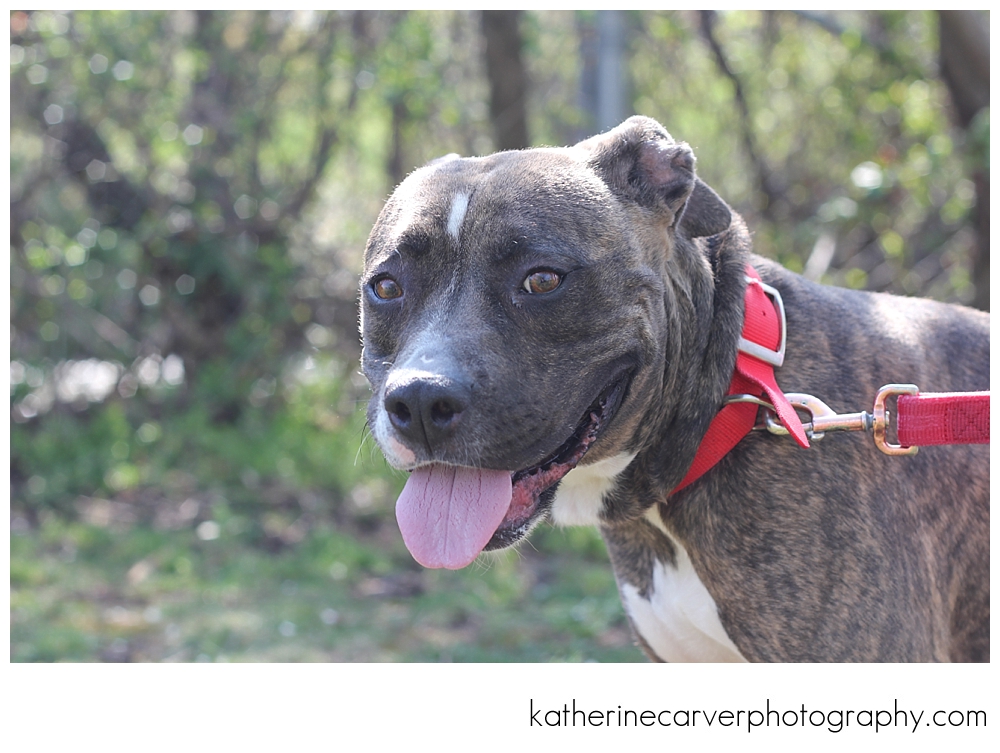
Image – after being edited in Photoshop.
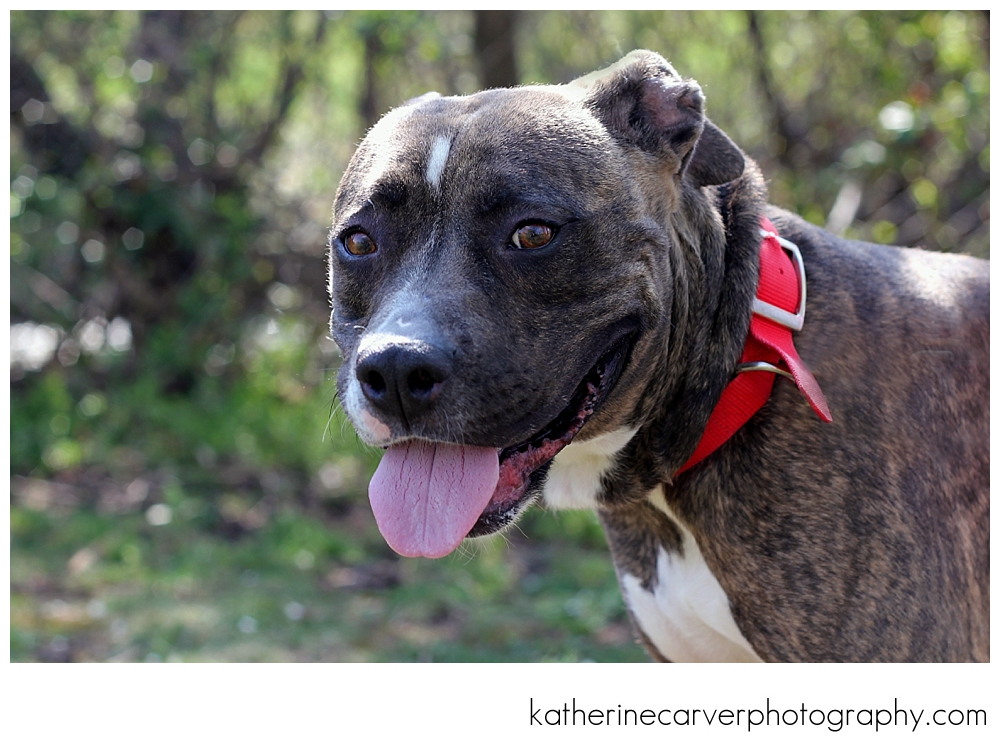
Image – straight out of camera.
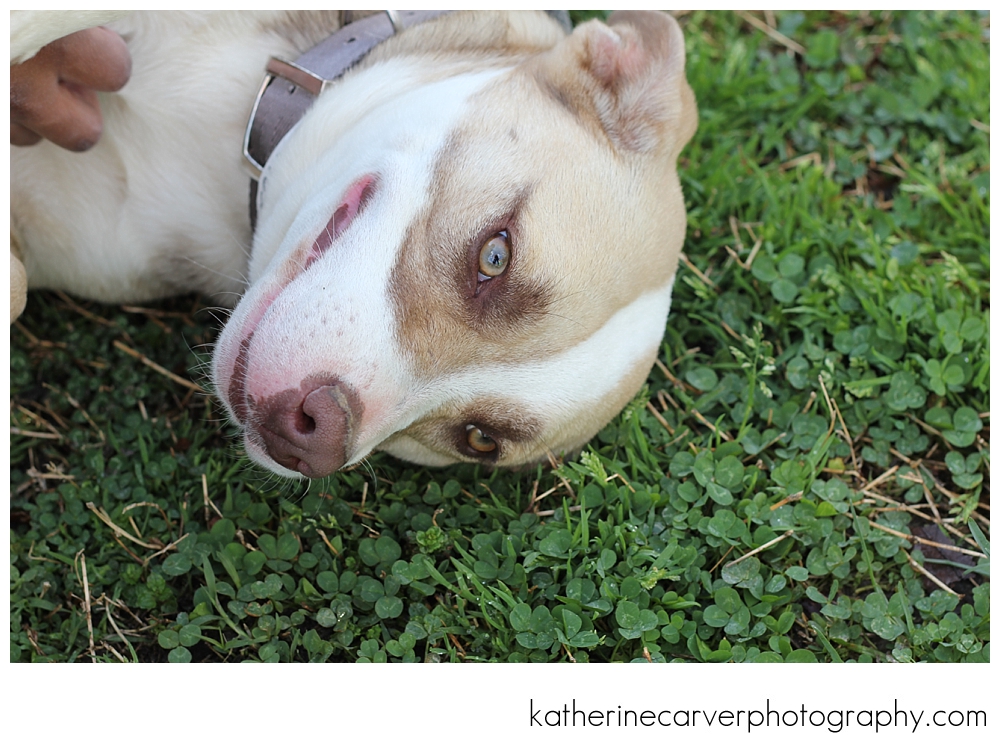
Image – after being edited in Photoshop.

Image – straight out of camera.
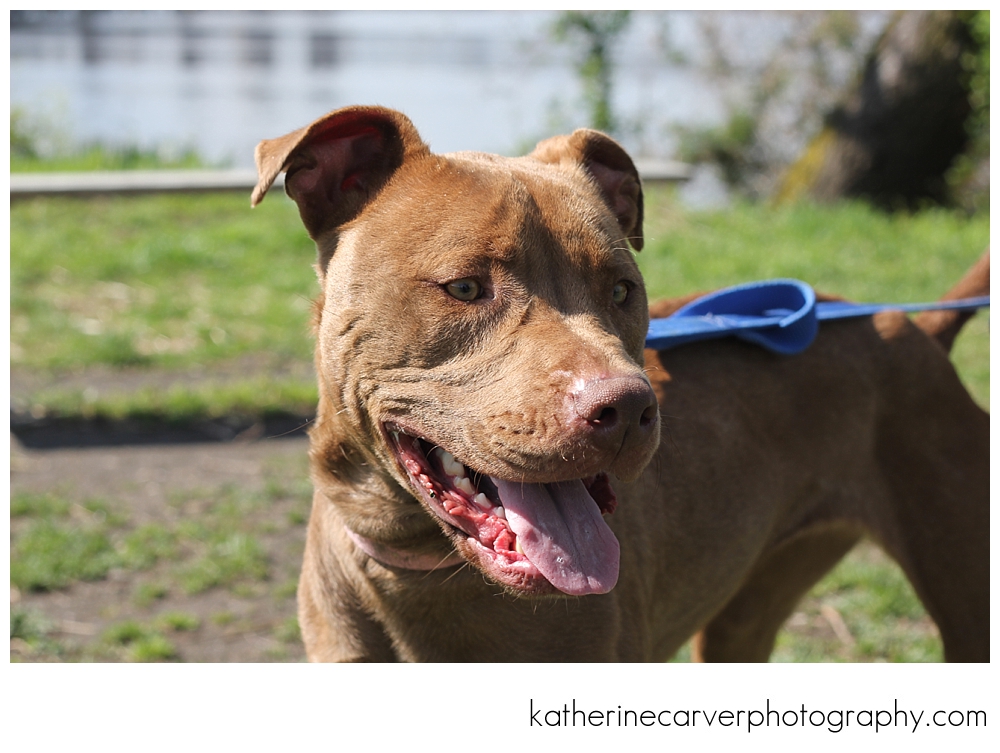
Image – after being edited in Photoshop.

Image – straight out of camera.
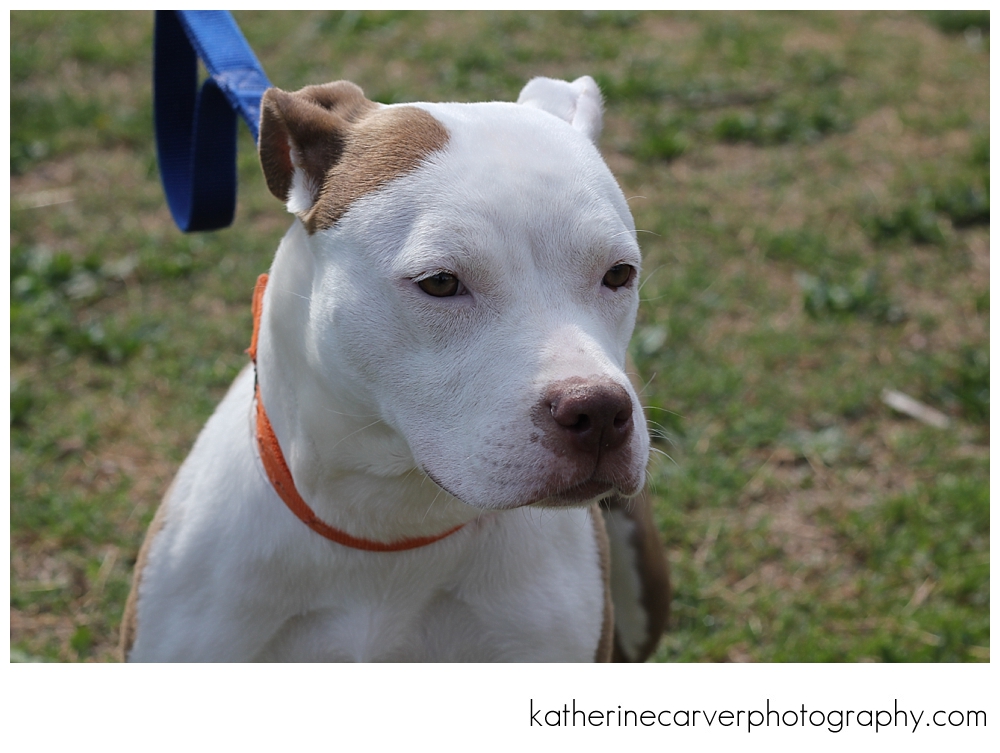
Image – after being edited in Photoshop.

These above dogs are dogs from the Baltimore Animal Rescue and Care Shelter (BARCS). Please contact BARCS if you are interested in adopting any of the dogs shown above.




 biscuit's space | The blog of photographer Katherine Carver